Installation and first sign-in
POSfix Dashboard is the control panel on your phone. It has the same screens and the same data as the panel in the browser, and you sign in with the same account.
It is not a cash register and it does not issue receipts. The Android register is a different app, simply called POSfix — see Installing the Android register.
Where to find it: in Google Play, on Android phones.

To install the app
- On your phone, open the link above or search for POSfix Dashboard in Google Play.
- Tap Install.
- When it has installed, tap Open.
On the phone's screen, the app shows up as POSfix Dashboard.
To sign in the first time
The app opens on the panel's sign-in screen. The account is the one you use in the browser, with the same email and the same password.
- Type your email and password.
- Tap Sign In.
If you signed up with Google, tap Continue with Google and pick the account. You change the panel's language from the top corner, before signing in.
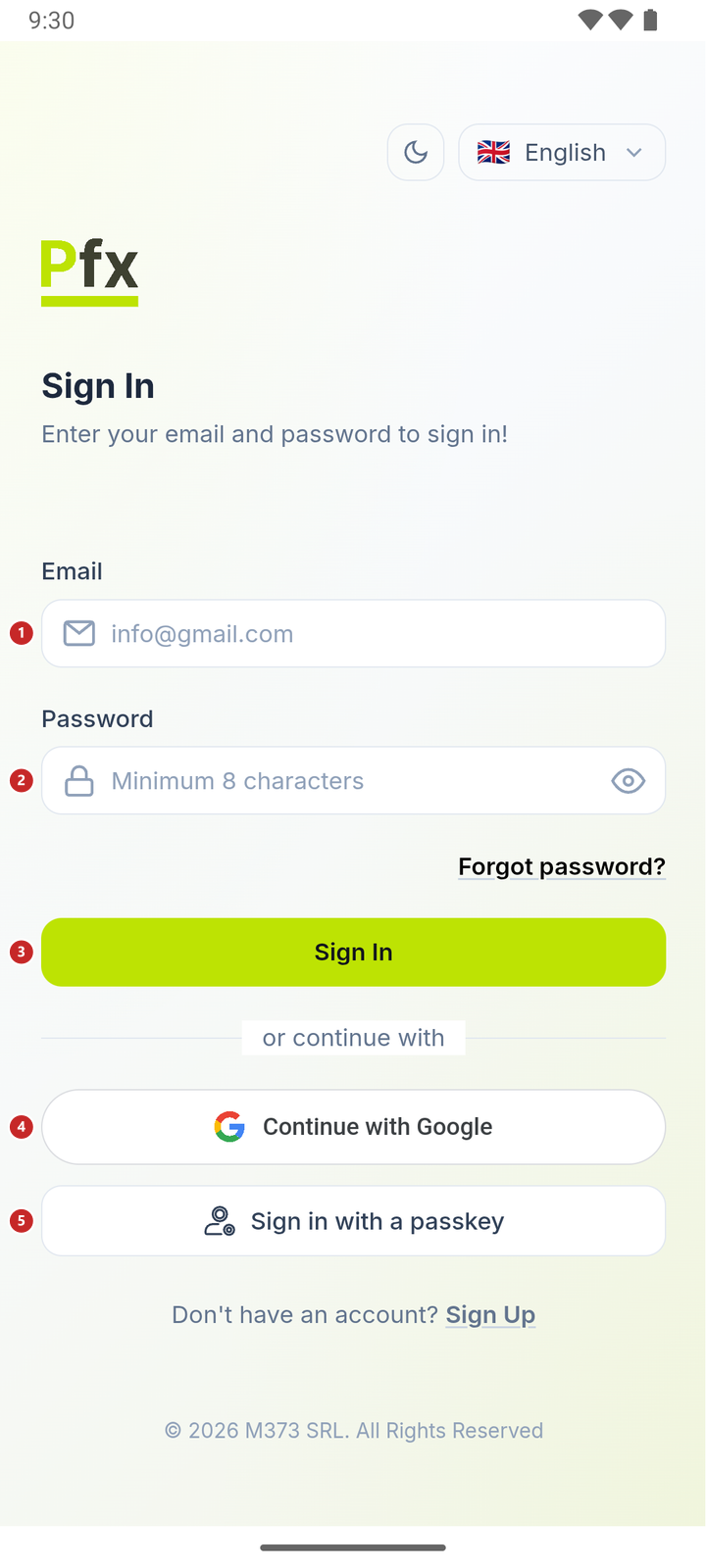
1 email · 2 password · 3 sign in · 4 sign in with your Google account · 5 sign in with your fingerprint, once you have added a passkey
To skip the password when the app asks for it again, add a passkey: you sign in with your fingerprint, your face or the phone's PIN. How to add one — in Passkey.
What you see after signing in
You land on Dashboard, as in the browser. Only the layout is adapted to a narrow screen.
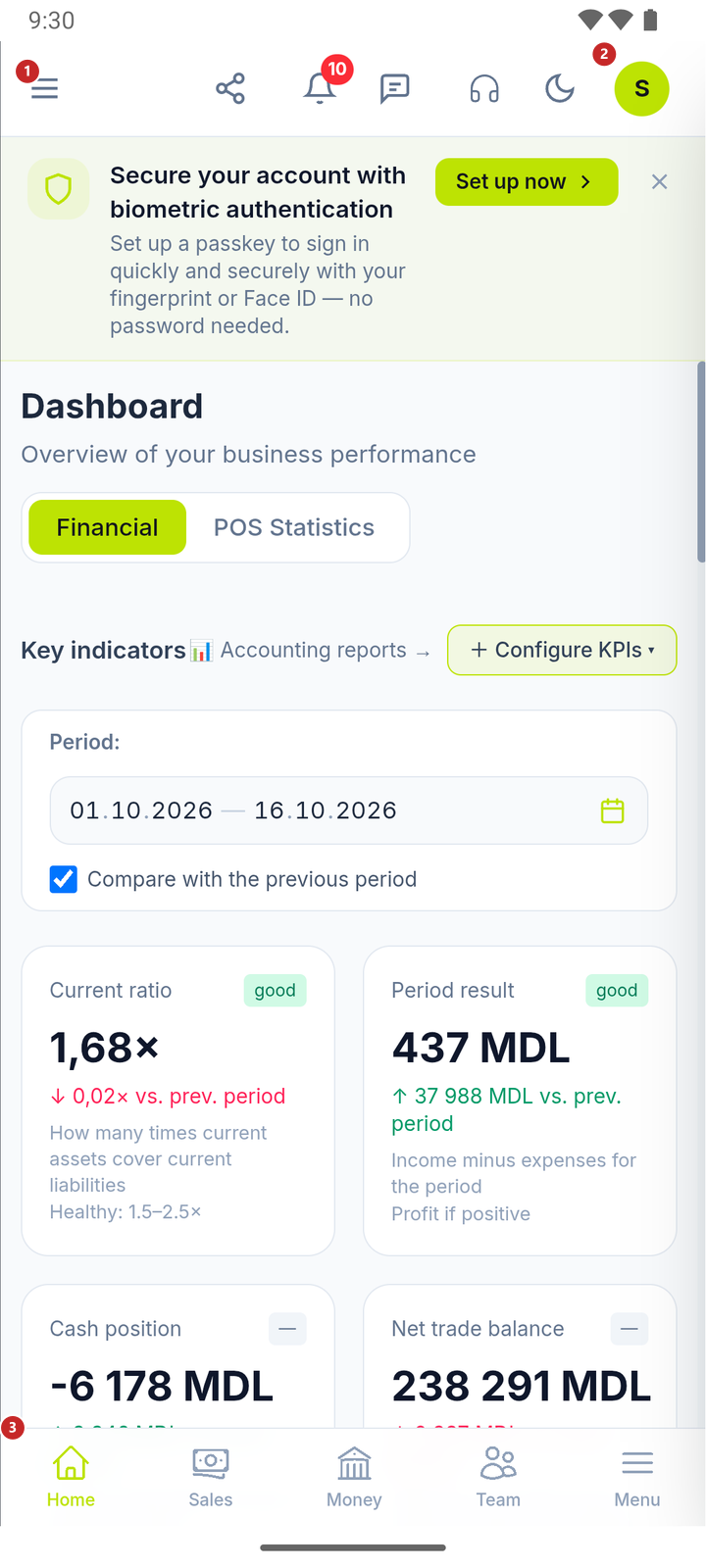
1 the menu with every section · 2 the user menu · 3 the bar with the most used sections
The band under the header offers you a passkey, so you can sign in without a password. It shows while you have no passkey — see Passkey.
The app remembers that you signed in. Next time it opens the panel directly, as long as the session is valid. If you sign out from the user menu (Logout), the app asks for your email and password again on the next start.
What can trip you up
- "No connection". The app could not open the panel, usually because the phone has no internet. Check Wi-Fi or mobile data and tap Retry.
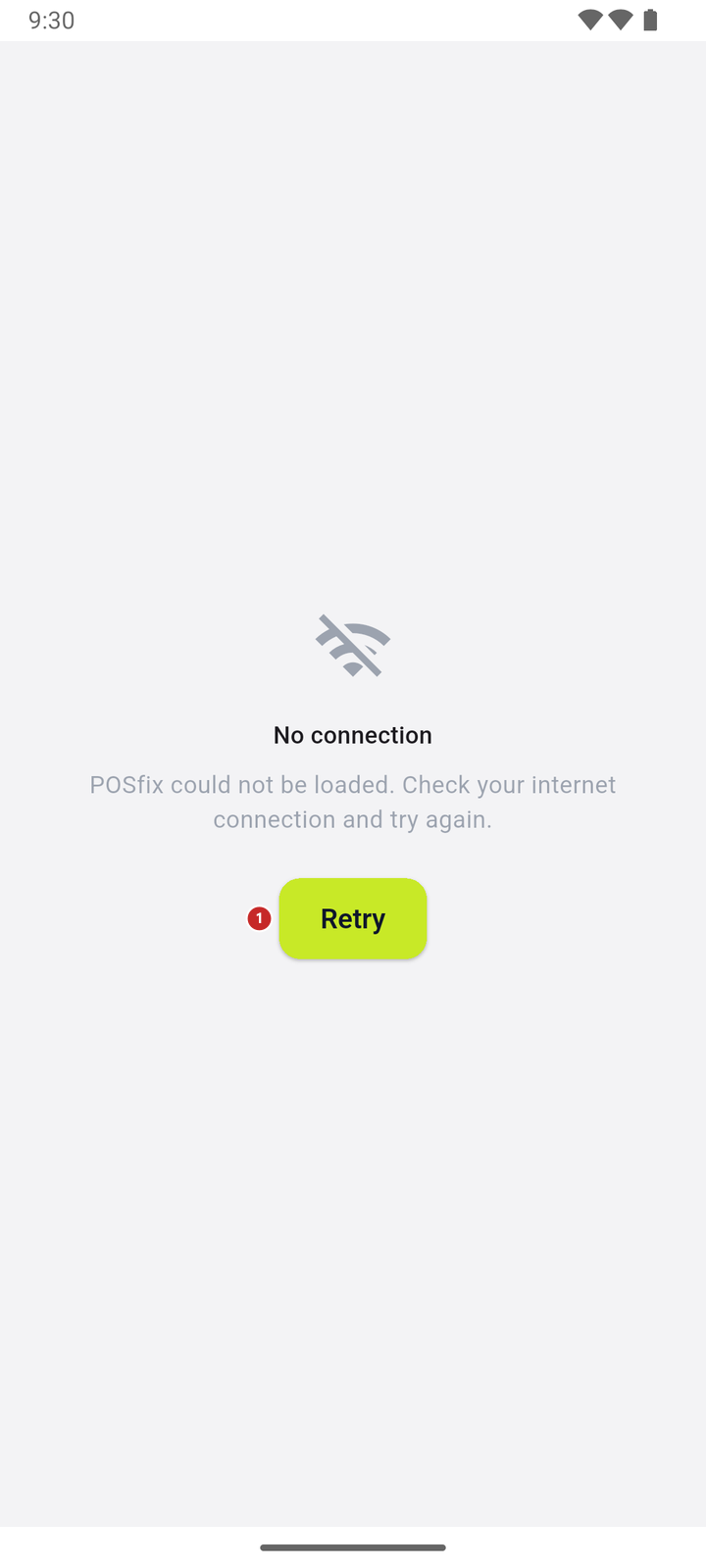
1 tries to open the panel again
- The app asks for an activation code. That is the register app, POSfix, not the panel. Install POSfix Dashboard.
Related pages
- Passkey — signing in with your fingerprint, without a password.
- Notifications — what the phone tells you about and how to turn it off.
- Moving around the interface — the panel's menu and screens, the same on the phone.