The IRM report
The IRM document gathers a month's personnel events — hires, terminations, leave and returns — so that what you declared to the authorities sits in one place. The panel submits nothing: you file the declaration through the electronic services of the State Tax Service, and here you keep the internal record.
Where to find it: Sidebar → Team → the IRM tab
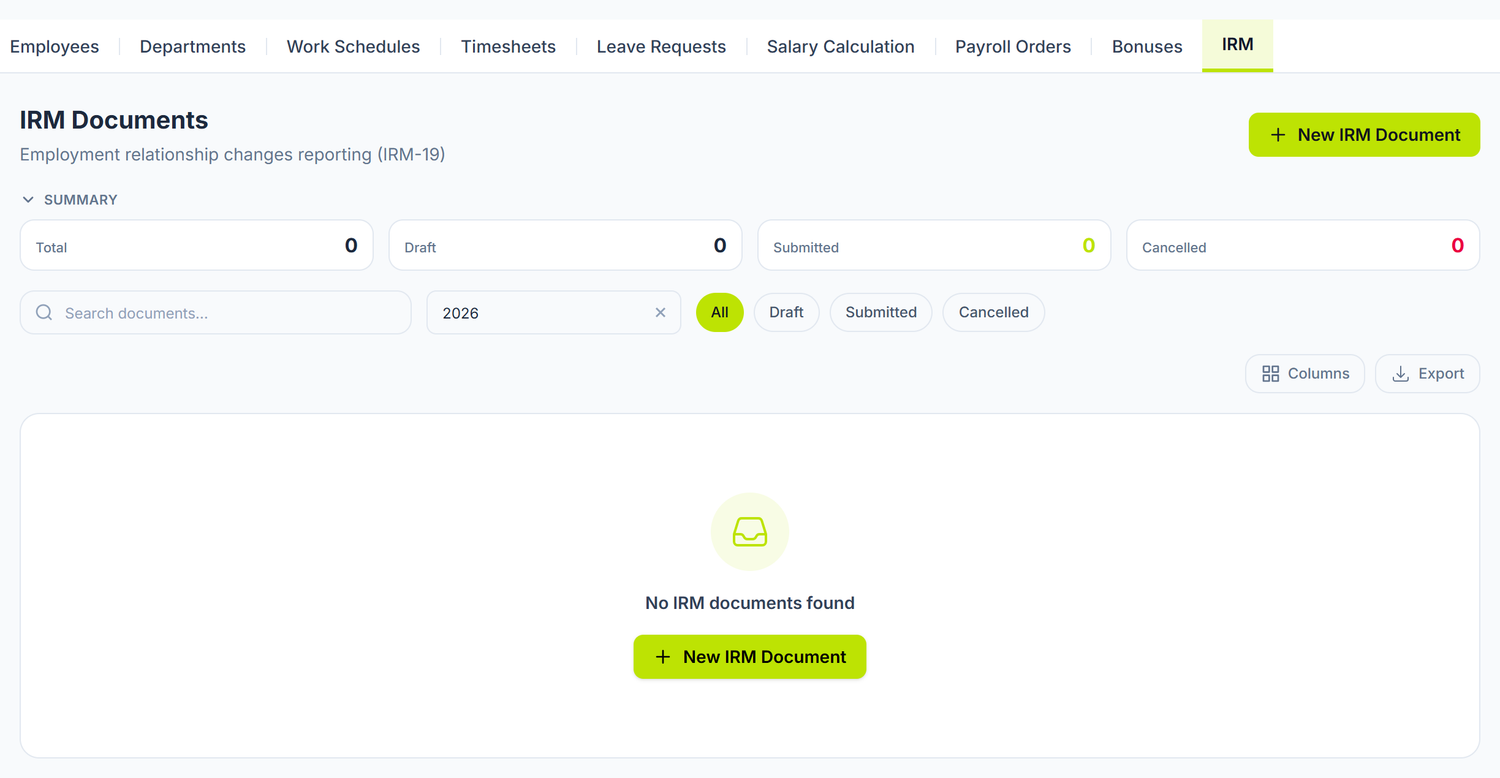
Above the list, four indicators: Total, Draft, Submitted and Cancelled. Below them, the search, a year selector and the status pills — with those you pull out the documents of past months, otherwise the list shows you the current year only.
What the report contains
The report records personnel events, not employees: only the changes in the reported period are declared.
| Code | Event |
|---|---|
| 01 | Permanent hire |
| 02 | Termination |
| 03 | Leave |
| 04 | Return from leave |
| 05 | Temporary hire |
A transfer between departments is not an IRM event. Moving an employee from one department to another and changing their position are not reported through IRM and generate no line. The codes above are the only ones available.
The document header
Year and Month are fixed at creation and cannot be changed afterwards. You also set the document Date and, if you like, notes. The number is assigned automatically.
The report lines
Each line has the employee, the Change Code, the Event Date and, for leave and returns, the period from / to. In the code selector the options show the name first and the figure after — "Permanent hire — 01" — so search by word, not by number.
Lines are added with Add line, one at a time.
After Save, the document reopens without the Save, Cancel, Auto-populate and Add line buttons, and the Date and the notes can no longer be touched. This is not a state you chose and it cannot be undone: pick the work up again on a new document for the same month.
So check every line before the first save. A wrong document you cancel from the list and make again from scratch.
Auto-population
The Auto-populate button proposes the month's lines starting from the employee cards:
- Permanent hire — for every employee with a hire date in the reported month
- Termination — for every employee with a termination date in the reported month, together with the ground on the card
The proposals also bring the insurance category from the employee card. Without it on the card, the line comes out incomplete.
Nothing is saved automatically. The proposed lines show up in the table for checking; you keep them by pressing Save. And events already covered by another IRM document of the same month are not proposed a second time.
Leave is not proposed. Auto-population covers hires and terminations only. The Leave and Return from leave lines you add by hand, based on the approved leave requests.
The document statuses
| Status | What it means |
|---|---|
| Draft | The state documents are born in and the one saved documents stay in |
| Submitted | Reserved for the documents declared to the authority |
| Cancelled | Withdrawn from the records; it can be restored |
From the list you have View, Cancel — on any document that isn't already cancelled — and Restore.
Once you have filed the declaration with the SFS, note that in the document's notes field — the panel tracks the documents drawn up, not the confirmations received from the tax office.
The filing deadline
The monthly document in the panel does not stand in for the legal deadline. The deadline runs per event, not per month: every hire and every termination is declared by its own deadline, counted from the date on the order. If you have two hires on different dates in the same month, you file them separately, even though in the panel they both sit in the document of the same month.
Someone hired at the beginning of the month and declared only at the end of it means several weeks of delay — punishable, and with a direct effect on the person's social entitlements.
The workflow
- Open Team → IRM
- Press New IRM Document
- Pick the year and the month, set the document date
- Press Auto-populate
- Check the proposed lines and fill in by hand what is missing: leave, returns, temporary hires
- Save — after this step the document can no longer be corrected
Example: the month of March. You hired two people and terminated one. You create the document for March, press Auto-populate and get three lines: two permanent hires and one termination, each with its date. You check the ground for the termination, add by hand a Leave line for the employee gone on maternity leave, go through all of them once more — and only then save.
Special situations
Employee hired and terminated in the same month
Two lines will appear: one for the hire (code 01) and one for the termination (code 02), each with its date. Both are proposed automatically.
Leave crossing two months
The leave line is declared in the month the event starts, with the "from / to" period. It is not repeated the following month.
Correcting a wrong document
A saved document is no longer edited, so the correction has a single route: you cancel it from the list and create another for the same month. The events of the cancelled document no longer block the proposals, so Auto-populate brings them to you again.
Common errors and how you fix them
| Error | The cause | The fix |
|---|---|---|
| Insurance category missing | The employee has no insurance category filled in | Fill it in on the employee card and run auto-population again |
| IDNP missing or invalid | The IDNP doesn't have 13 digits or isn't filled in | Correct it on the employee card |
| Termination reason not filled in | The card has no legal ground picked from the classifier | Fill the termination reason in on the card |
| Nothing is proposed | The month's events are already declared in another IRM document of the same month | Check the month's existing documents |
| Hire with no date | The hire date is missing on the card | Fill the date in on the employee card |
| The leave doesn't show up | Leave is not proposed automatically | Add the line with code 03 by hand |
The link with other documents
| Document | Its relation with IRM |
|---|---|
| Employees | The source of the data: hire date, termination date and ground, insurance category |
| Leave requests | The basis for the leave and return lines, added by hand |
| Salary calculation | Context for the month; it does not feed the report |
Frequently asked questions
What happens if I don't file the declaration on time?
The delay brings penalties and postpones the settling of the employee's social and medical entitlements. Don't wait for the end of the month to file an event from the beginning of it.
Does IRM cover civil contracts (services) too?
No. The report concerns employment relations based on the individual employment contract.
Can I draw up the IRM retroactively, for earlier months?
Yes. You pick the year and the month you want, and auto-population scans the events of that period. The data has to be on the employee cards already.
How is a salary change reported?
Not through IRM. Changing the salary is not an event on the list of codes.
Is a part-time employee reported differently?
No. The work norm is not a field of the IRM line.
Can I export the report in electronic format?
Not from the Control Panel — the screen has no export or print button. The saved document is the internal record of the declaration.
What does "Period from / to" on a line mean?
The interval of the declared suspension or leave (maternity leave from one date to another, for instance). For hires and terminations only the Event Date is filled in.
Can I change an automatically proposed line?
Yes, but only before the first save. While the document is still unsaved, the proposals are just form filling: you edit them, delete them or complete them. Changing a line does not change the data on the employee card. After the save, the document opens locked.
How do I check whether all the month's events were included?
You compare the lines with the list of employees who have a hire date or a termination date in that month, plus the approved leave that involves a suspension. Whatever is missing, you add by hand.
Does an employer with a single employee have to file IRM?
Yes. The obligation does not depend on the number of employees.
Related pages
- Employee card — the source of the hire and termination data
- Leave requests — the basis of the leave and return lines
- Departments — the organizational structure
- The salary calculation — the month's payroll calculation
- Guide: The full payroll flow — from the timesheet to paying the salaries, step by step