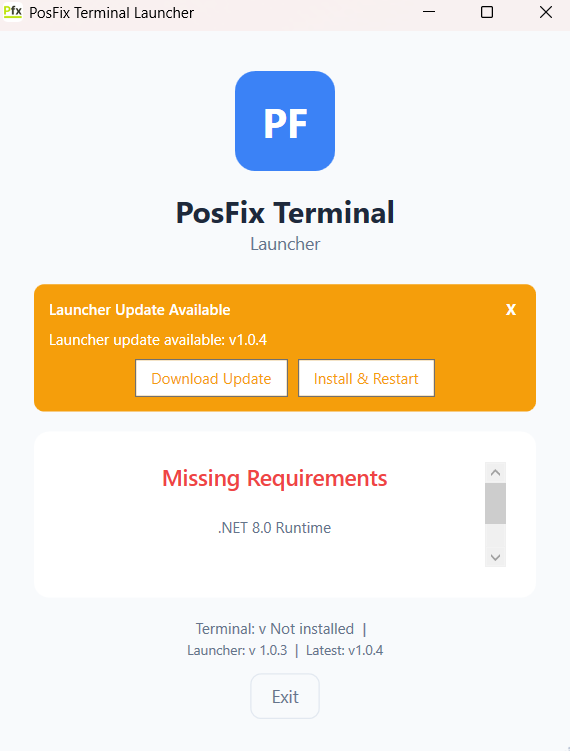
Installation
Downloading the Application
- Download the PosFix.Launcher.exe file from the provider
- Save the file to an accessible location (e.g., Desktop)
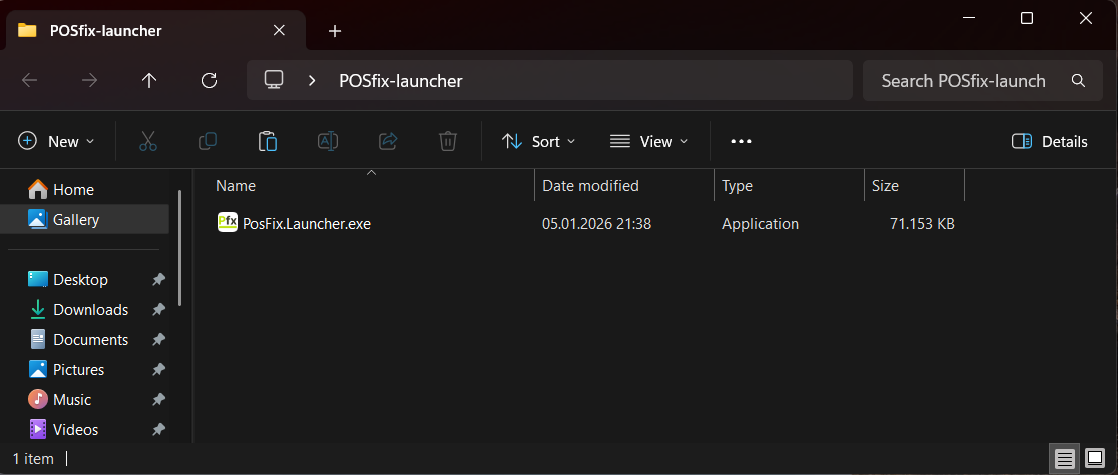
Starting the Launcher
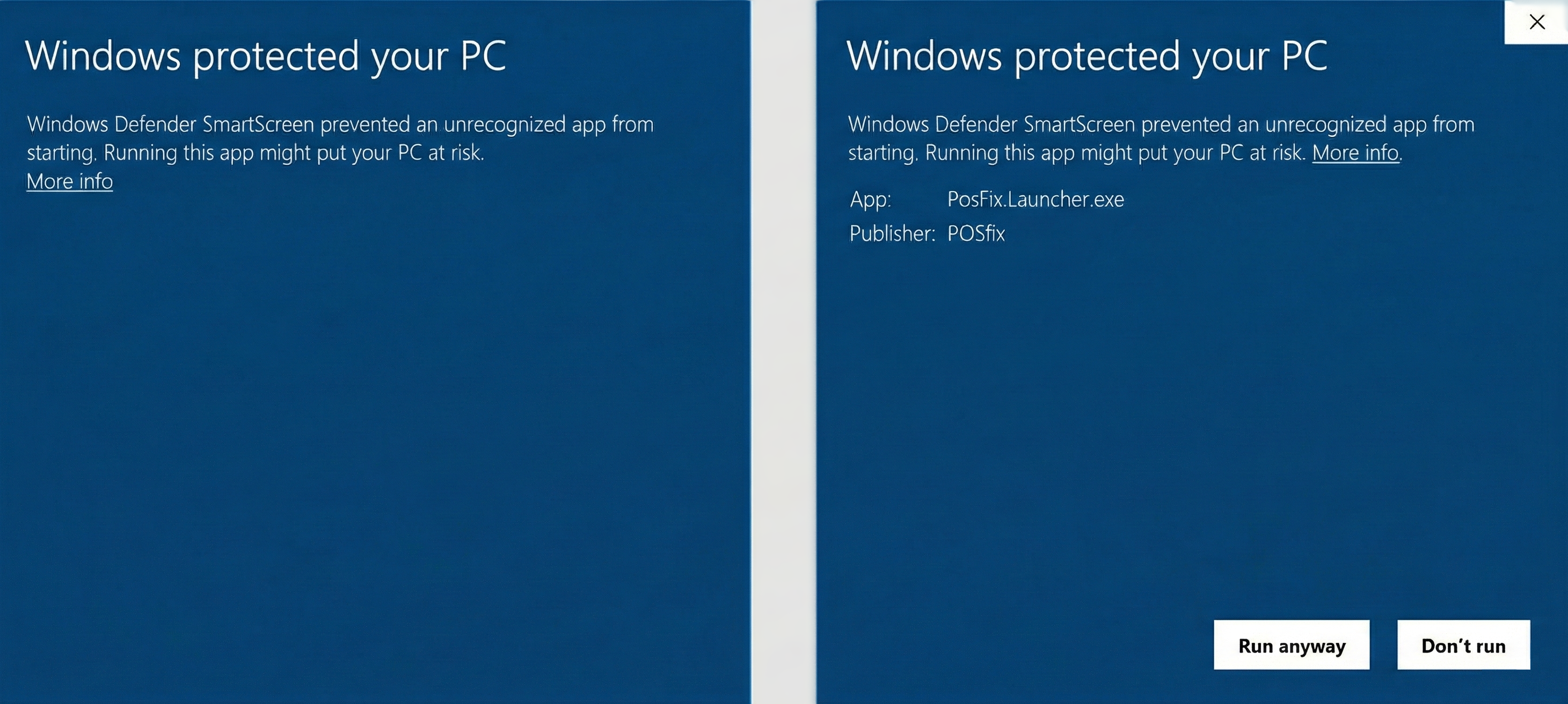
- Double-click on the
PosFix.Launcher.exefile - If the Windows SmartScreen warning appears, click More info → Run anyway
System Requirements Check
The Launcher automatically verifies your system compatibility on its first run:
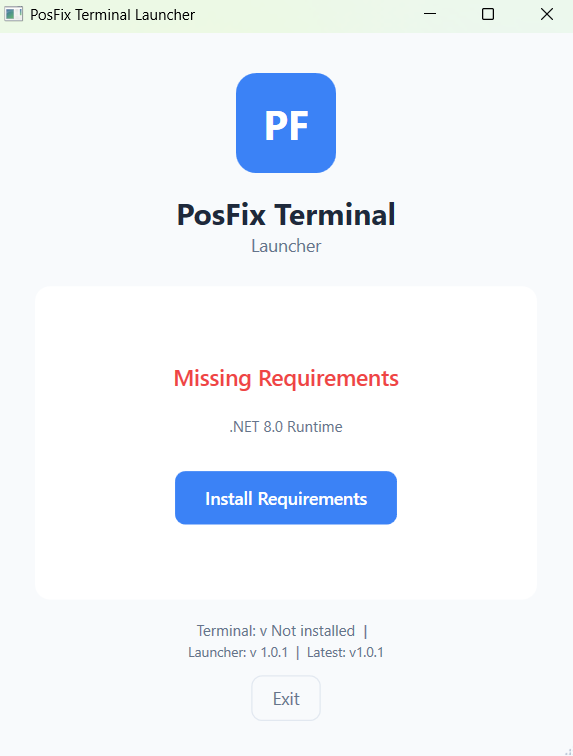
| Status | Meaning | Action |
|---|---|---|
| ✅ Green | Requirement met | No action required |
| ❌ Red | Requirement failed | Automatic installation |
Installing Missing Components
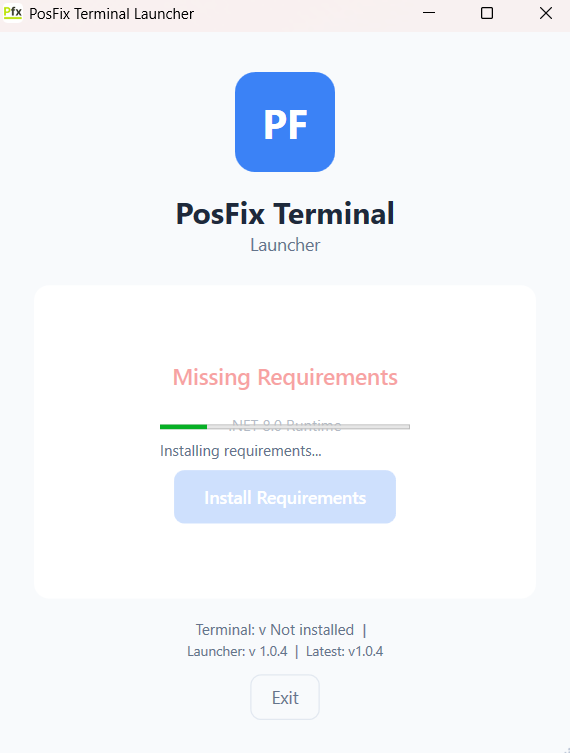
If components are missing, click "Install Requirements":
- Grant administrator permissions
- Wait for .NET 8.0 Runtime installation
- Wait for Visual C++ Redistributable installation
- The system automatically re-verifies requirements
Attention
Installing the requirements may require a computer restart.
Application Download
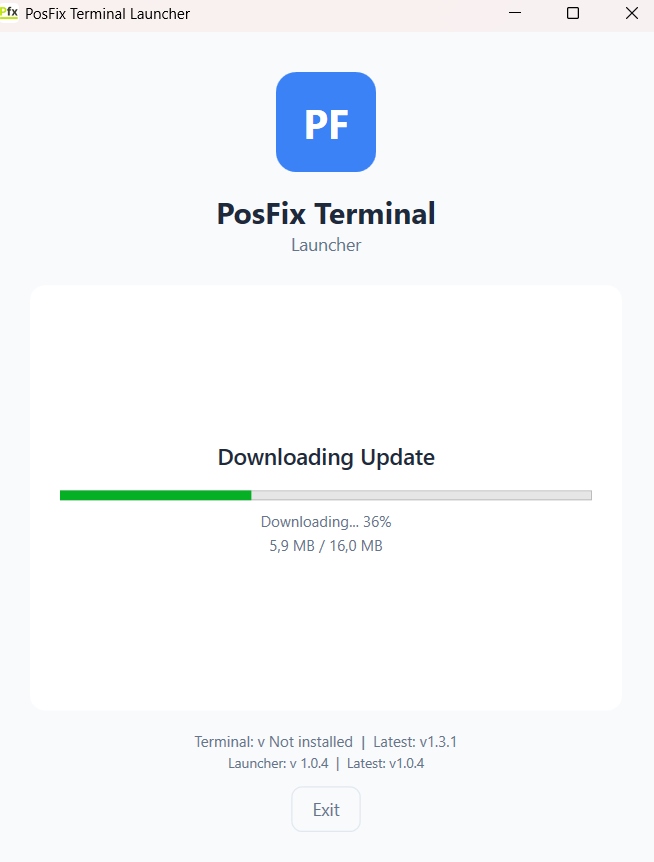
After the requirements are verified, the application is downloaded automatically:
- Download progress is displayed
- File integrity is verified
- The application is installed
Automatic Updates
The system automatically checks for updates at each startup:
- Optional updates - Can be postponed
- Mandatory updates - Must be installed