Shopping Cart
Accessing the Cart
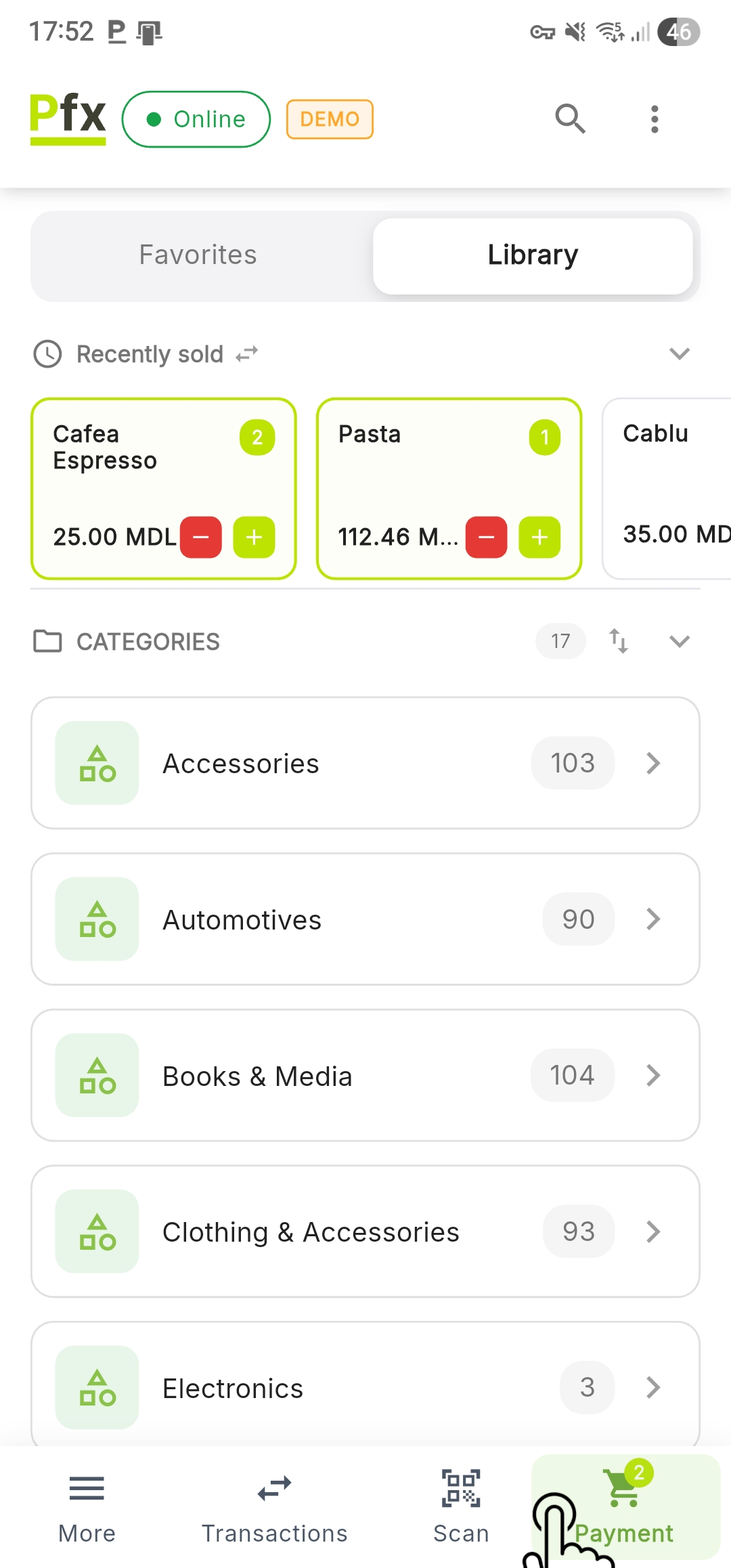
The shopping cart is the final stage for verifying products before processing the payment. It is accessible by pressing the Payment button in the bottom navigation bar.
Cart View
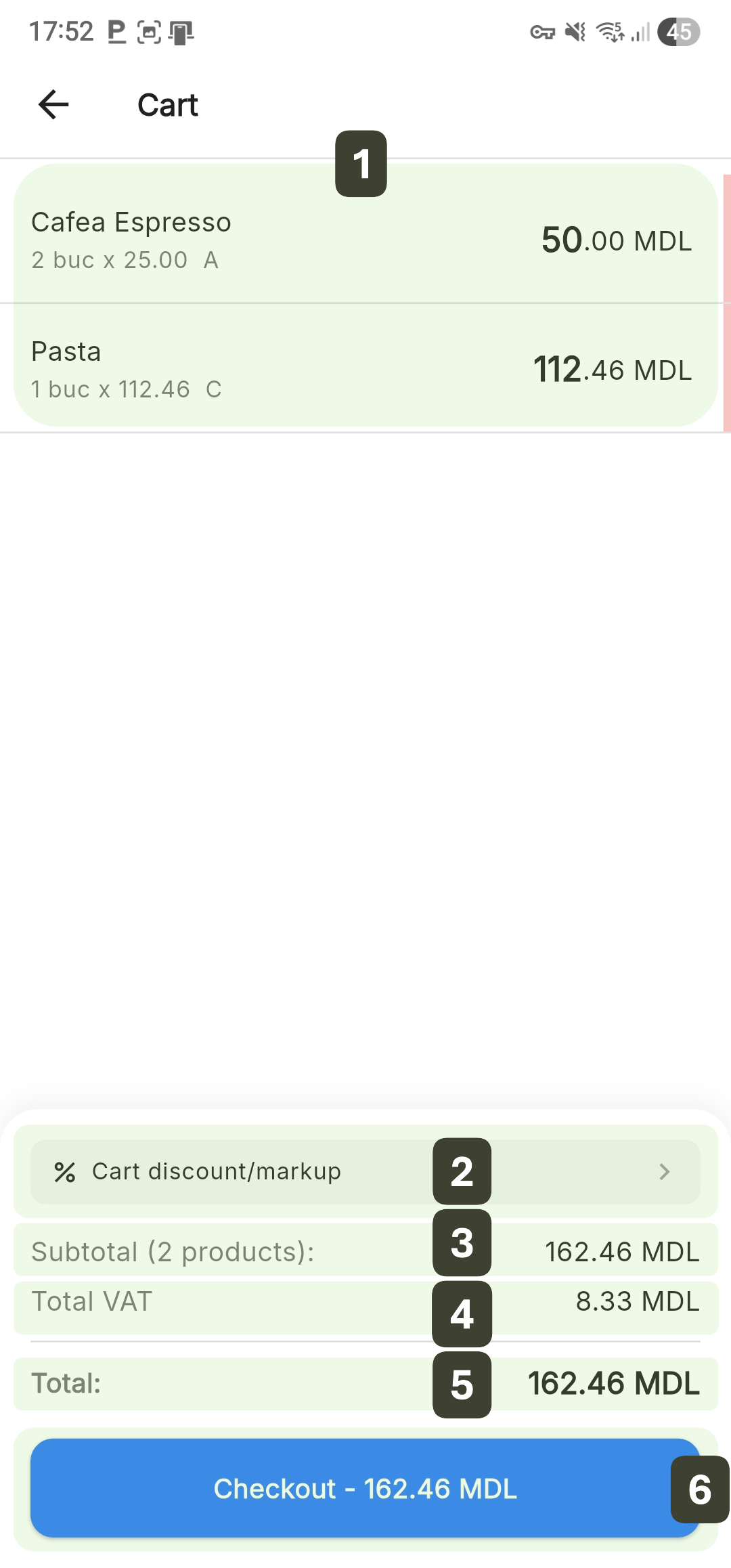
The screen is organized to provide a clear overview of the costs and transaction structure:
| Element | Description |
|---|---|
| 1. Product List | All items added with quantity and price |
| 2. Cart Discount/Markup | Button that allows applying price adjustments for the entire transaction |
| 3. Subtotal | Total amount before adjustments |
| 4. Total VAT | Cumulative value of automatically calculated taxes |
| 5. Total | Final amount to be paid |
| 6. Checkout | Main action button that initiates the payment process |
Checkout - Proceed to Payment
Once all products have been added and the quantities are correct, follow these steps to initiate the checkout process:
- Final Review: Check the financial summary at the bottom of the cart
- Verify the number of products in the Subtotal.
- Confirm the final amount in the Total field.
- Initiating Payment: Press the button at the bottom of the screen, labeled Checkout - [Amount] MDL
- Transition: The system will automatically redirect you to the payment screen
Recommendation
Before pressing the Checkout button, verbally communicate the total amount to the customer: "The total amount is [Amount] lei."